Photovoice From Every Angle.
Photovoice brings community voice into focus—revealing strengths, needs, and priorities and turning lived experience into action.
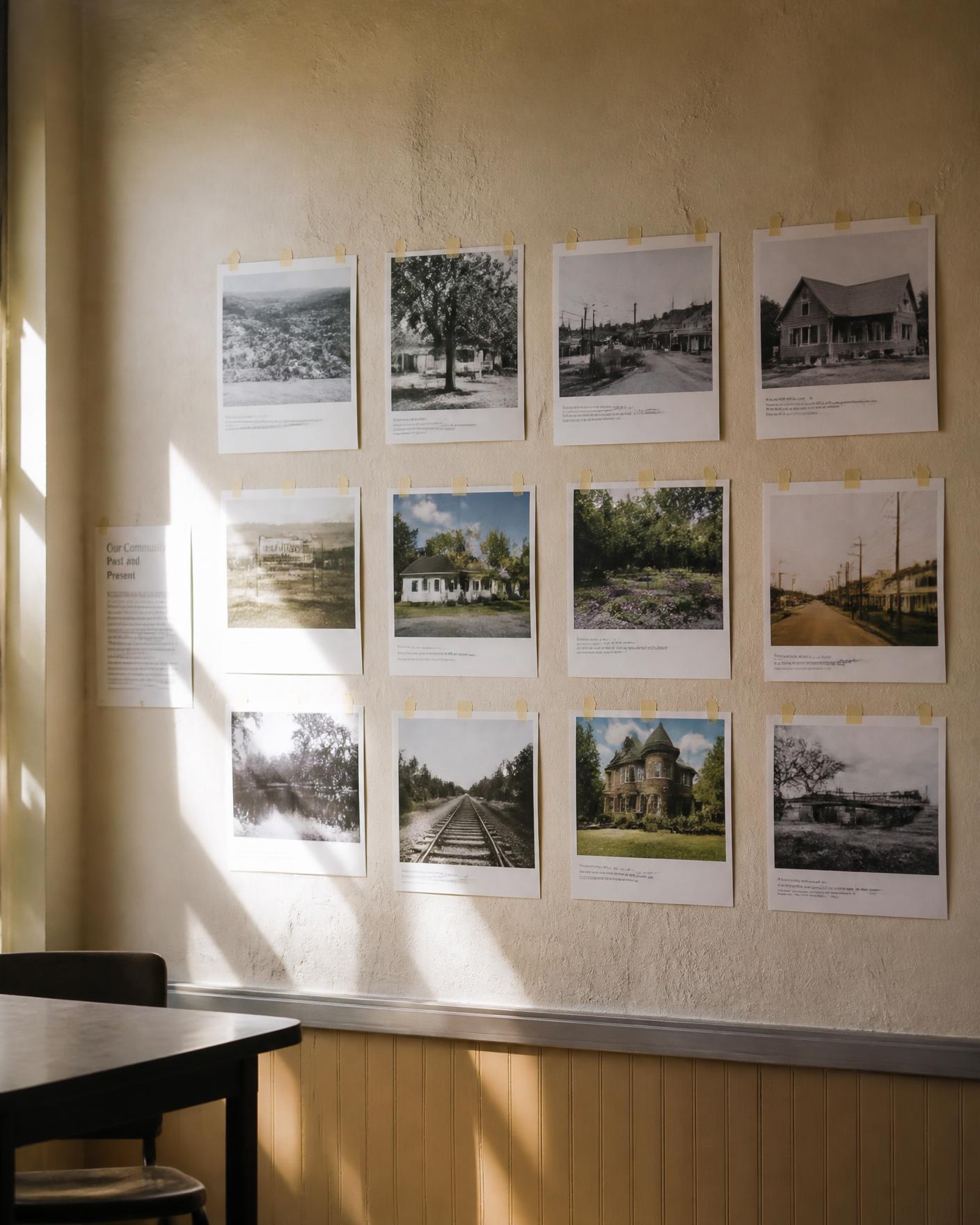
Photovoice360 is a complete system for designing, running, analyzing, and sharing Photovoice projects—from the first question to community action.
Invited to participate? Join with your project link, code, or QR code.
Community Insight Your Organization Can Act On
Photovoice360 is built for organizations that want to understand community strengths, needs, and priorities through the people who experience them. It provides the structure and guidance to run an ethical Photovoice project from beginning to end—and carry what participants reveal into meaningful decisions and action.
- 01
Plan a Project
I have an idea or a funding opportunity and need help designing and funding the project.
Develop the project purpose, guiding question, proposal, grant narrative, budget, timeline, outcomes, and implementation plan before you launch.
- 02
Start a Project
My project is ready. I want to launch it and manage participants, photographs, narratives, and analysis.
Choose the project type, complete the essential setup, invite participants, collect the work, then move into analysis, findings, and action.
- 03
Join a Project
I've been invited to participate in a Photovoice project.
Use your project link, code, or QR code to join and complete only the steps your project requires.
One project. One connected record.
Participant information, photographs, narratives, consent, reflections, and project-specific questions stay connected from submission through analysis. Review the work as it arrives, download the project as a spreadsheet, then move into themes, findings, reporting, and action when you are ready.
Everything stays connected
- 01Participant registration and project-specific questions
- 02Consent and attribution choices
- 03Photographs linked to participant narratives
- 04SHOWED reflection and facilitated dialogue
- 05Participant roster and submission review
- 06Spreadsheet export with the complete project record
- 07Theme development and participatory analysis
- 08Findings, reports, exhibits, and action
No separate photo folder to reconcile with a spreadsheet. The photograph and the participant’s words stay together.
A simpler workflow
Follow the project from community question to community action.
1. Design and conduct the project
Define one guiding question, establish the participant and consent process, invite participants, and collect participant-created photographs and narratives.
2. Interpret, analyze, and act
Keep each photograph connected to the participant’s own interpretation. Use facilitated dialogue and participatory analysis to develop themes, validate findings, communicate what the community identified, and plan action.
Advanced research and evaluation tools are available when your project requires them—not as a barrier to getting started.
What makes it Photovoice.
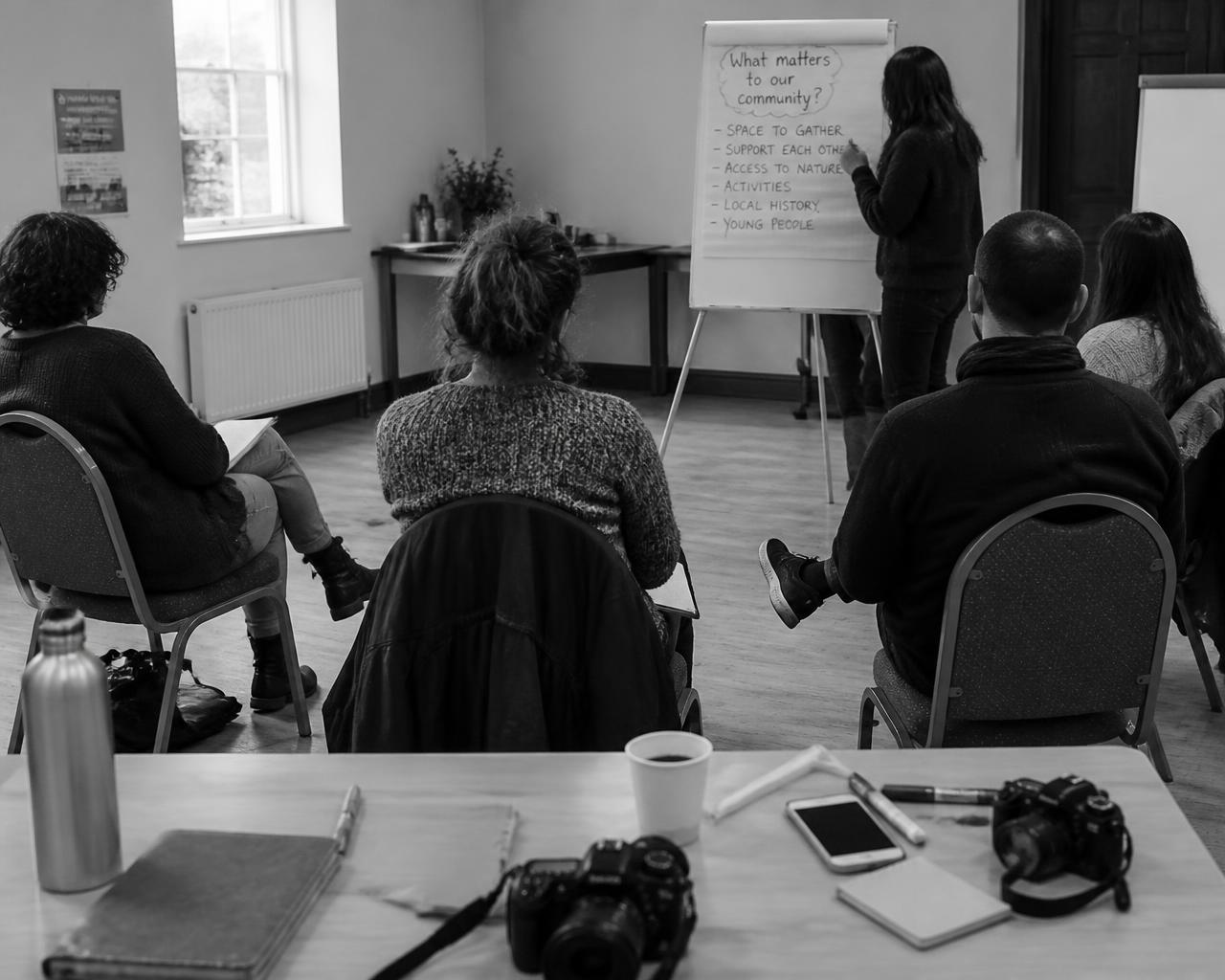
Participants photograph what they see and experience, then explain in their own words what each image means. Facilitated dialogue—including SHOWED when appropriate—helps the group examine strengths, concerns, causes, and possibilities for change.
Participants are not simply sources of data. They interpret their own photographs, take part in developing and reviewing themes, challenge interpretations that do not fit their experience, and help shape the findings and actions that follow.
Choose the Right Project Path
Planning or ready to launch? Choose the approach that fits your work.
Photovoice Project
The complete Photovoice method, from the guiding question through participant photography, reflection, shared themes, and community action.
Community Voice Campaign
A focused project for community listening, advocacy, planning, or impact storytelling.
Research & Institutional
Photovoice within a research, evaluation, public health, healthcare, government, or institutional project, with advanced tools available when needed.
Student Research
A guided pathway for a class project, capstone, thesis, or dissertation without building the process from scratch.
Photo Elicitation
Use photographs to prompt reflection and discussion when the method is photo elicitation rather than Photovoice.
Who uses Photovoice360
- Researchers & universities
- Nonprofits & community organizations
- Public health & healthcare
- Schools & youth programs
- Government & institutions
- Students
- Trained facilitators
Participant voice stays connected to participant choice.
Projects are private by default. Before contributing, participants review and sign one project consent that clearly states how submitted work may be used. Participants choose once whether their work is identified by full name, first name, initials, or anonymously. Their photograph, narrative, attribution choice, and signed consent record remain connected throughout the project.
Sample Project
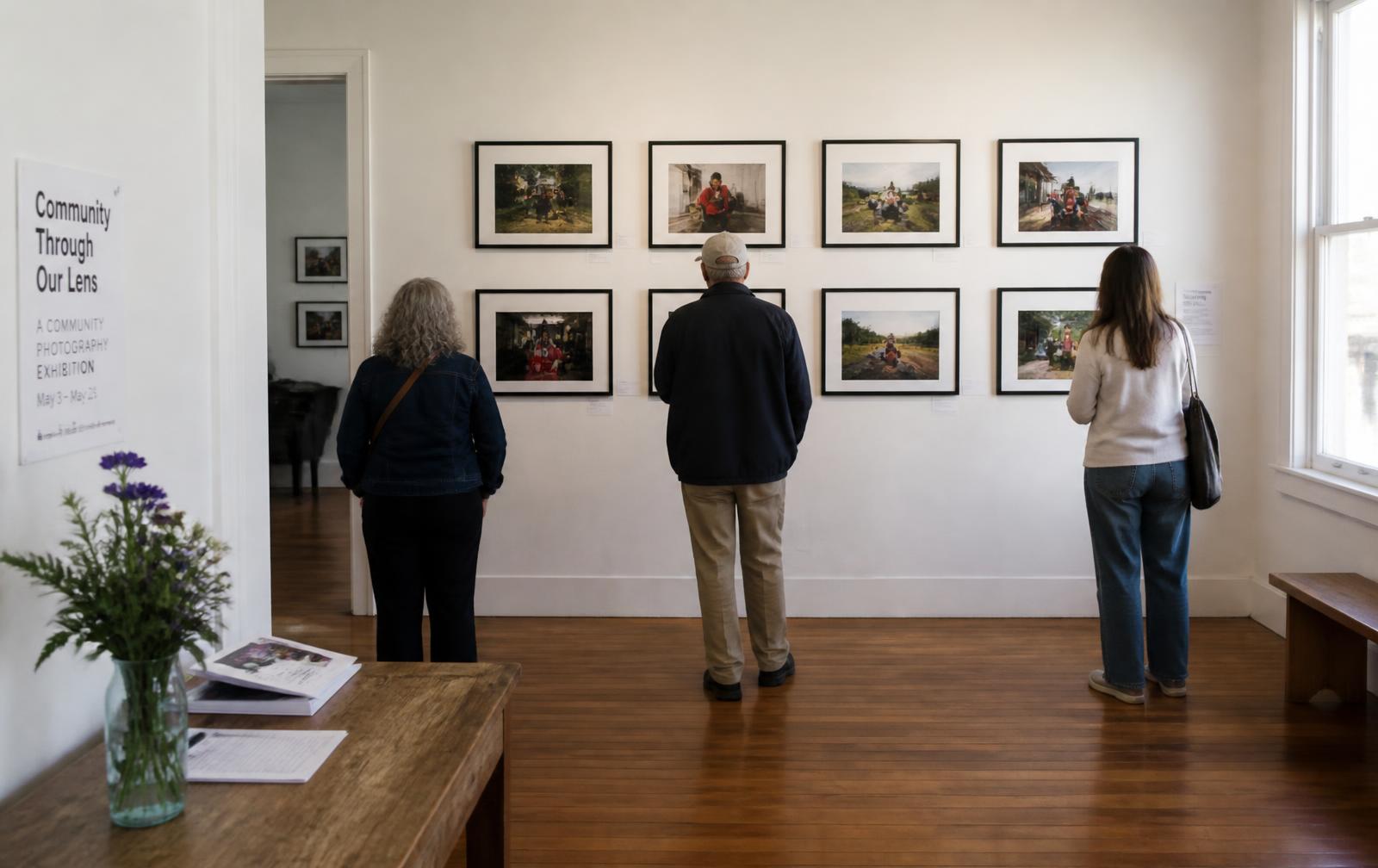
A labeled walk-through of the software, end to end. It holds no participant photographs, quotes, or findings.
Ask Photovoice360
A short answer to a real methodology question. Guidance suggests and organizes; people create the meaning, and communities confirm the findings.
Ask a question
Ask one question about the method, ethics, or how a project runs.
Running a project? Start here. Invited to one? Join with your link, code, or QR code.