Photovoice, from every angle
The complete Photovoice process, in one place.
Plan, conduct, facilitate, analyze, share, and carry a Photovoice project from the guiding question to community action.
Photovoice360 connects the complete project record: the guiding question, participant registration and consent, participant-created photographs, first-person narratives, SHOWED-informed reflection, facilitator review, participatory analysis, community findings, reporting, dissemination, and action.
The platform keeps those elements connected without collapsing their authorship. Participant meaning remains participant-authored. Facilitator notes remain facilitator-authored. Suggested patterns remain suggestions until people review them. Themes and findings require human review and community validation.
15 parts of one process
Learn & Design
Understand the method, establish one guiding question, define the participant pathway, and document the project’s consent, photography, analysis, dissemination, and action plan.
- Photovoice Learning Center
- Public material on the origins of the method, its aims, participant interpretation, ethics, and the SHOWED questions.
- Available now
- Project Planner and protocol builder
- A guiding question, the participant pathway, how consent will work, and a written project protocol.
- Supported by our team
- Grant Builder
- Help assembling the method description, participant protections, and reporting plan that funders ask for.
- Planned
Prepare & Conduct
Set up consent, orientation, and the project workspace that facilitators and participants use day to day.
- Tools
- Professional guidance for planning, ethical photography, SHOWED reflection, dialogue, participatory analysis, exhibits, and project management.
- Available now
- Ethics and consent builder
- One project consent shown before anything is collected. It records the disclosed project uses, participant signature, attribution choice, photography-rule acknowledgment, and—where required—guardian permission and youth assent. Photovoice360 does not determine whether an organization requires ethics-board or IRB review.
- Available now
- Participant orientation
- A short, plain-language introduction for participants covering what the project is, what is asked of them, and what they control.
- In development
- Project workspace
- Projects, prompts, memberships, and moderation in one place, scoped to the organization that runs them.
- Available now
Capture & Reflect
Participants take part with a phone: participant photography guided by ethical photography practice, and reflection in their own words.
- Capture and participant reflection
- Participants join with a project code, submit their own photographs, and reflect in their own words on a phone, with a clear finish.
- Available now
Dialogue & Analyze
Group dialogue, coding, theme identification, and a clear link from each finding to the participant material behind it, with participant interpretation kept primary.
- Group dialogue facilitation
- Private facilitator responses to participants today; structured session and dialogue-note tooling is next.
- In development
- Participatory Analysis & Reporting Workspace
- Review participant photographs and narratives together, organize codes, develop possible themes, document participant review, preserve meaningful differences, validate findings, and keep every conclusion traceable to its supporting evidence.
- In development
Report & Share
Carry community findings to the audiences that need them and disseminate approved participant work.
- Reporting to stakeholders and funders
- Use approved project facts, validated findings, and selected participant material to prepare reports, briefs, presentations, exhibits, publications, and funder documentation. Drafting support cannot invent statistics, quotations, partners, outcomes, or findings.
- In development
- Exhibit and dissemination builder
- Moderated public galleries are live. Layout and print preparation for exhibits and briefings is planned; exhibits are supported by our team today.
- In development
Act & Evaluate
Track the priorities participants raise, the community action that follows, and what changed over time.
- Community Action Planner
- Recording the priorities participants name, the stakeholders they are taking them to, and what happened next.
- Planned
- Evaluation and impact reporting
- Configurable evaluation questions and participation metrics alongside the qualitative record, described over time.
- Planned
- Project closeout and reusable project record
- Close or archive a project while preserving its connected record. Facilitators can download the comprehensive workbook, verified JPEG photographs, preserved originals, project configuration, narratives and reflections, evaluation, analysis, findings, consent metadata, and manifest as an organized final project package.
- Planned
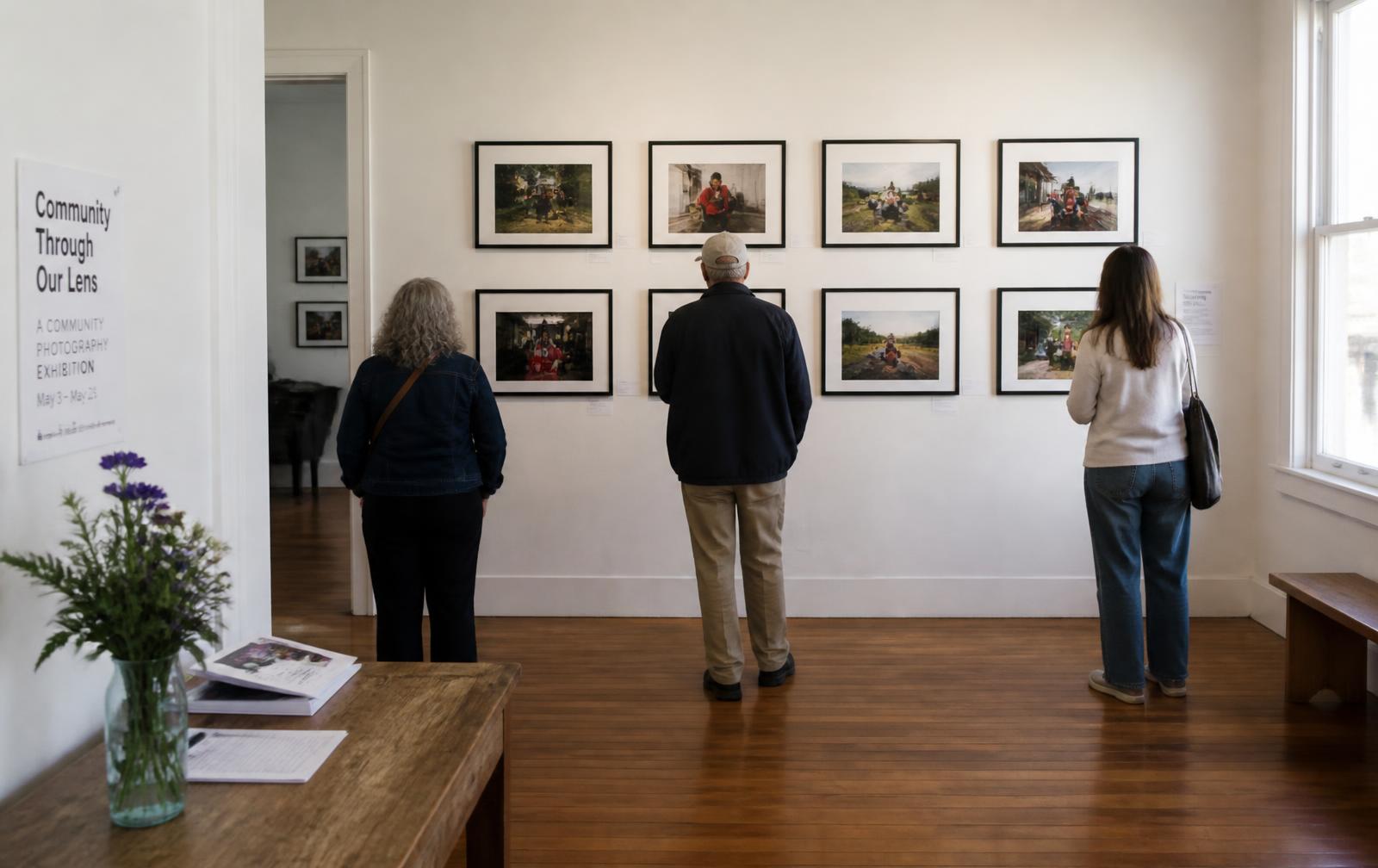
The methodology principle behind the record
Nothing a participant submitted is quietly rewritten.
A participant’s original photograph and interpretation remain their own record. Facilitator annotations, coding, theme decisions, and approved presentation material remain separate. Suggested patterns are clearly identified and cannot become validated themes or final findings without human review and community validation.
Access follows role and project: participants see the material they are authorized for, and facilitators see the projects they facilitate. Broader organization-level access controls are in development.
Available now, in public form
Ask Photovoice360 — guidance across the process
A public methodology guide that helps answer “what should I do next?” — designing the guiding question, preparing consent, structuring rounds, moving into analysis, or planning an exhibit — grounded in established Photovoice methodology. It works only from what a visitor types: it has no access to project, participant, or account records, and it makes no clinical, legal, IRB, or research-compliance determinations. Working inside a signed-in user's own authorized projects is in development.